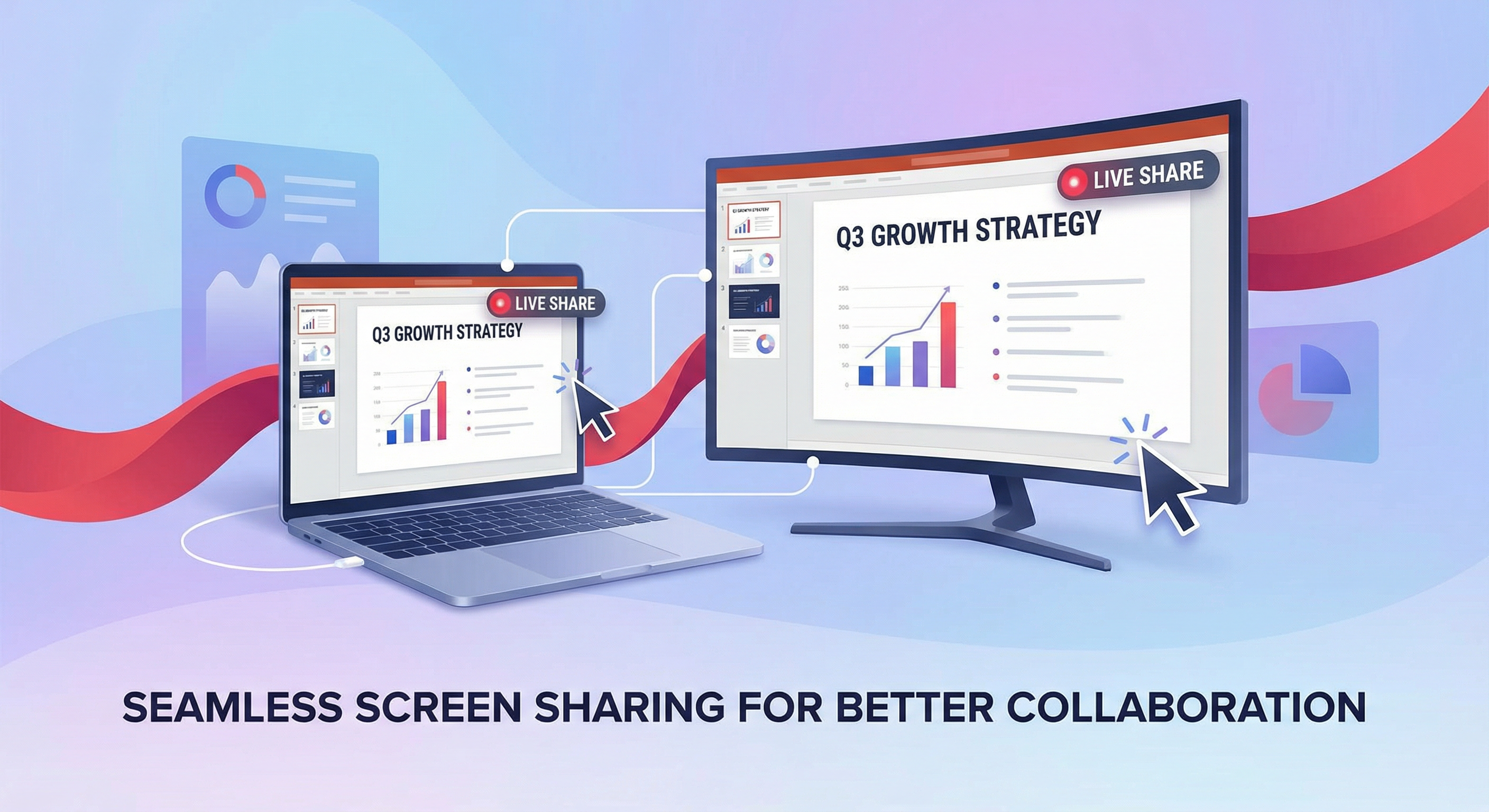
Screen sharing
Share your screen or individual windows with all participants – wirelessly, no extra software required.
Sparks offers professional video conferencing with LiveKit – all the features you know from Teams, plus E2EE, web-first, and data sovereignty. Fully usable in browser or desktop app.
Sparks meetings give every participant a voice. Instead of a single presenter in front of a passive audience, use breakout rooms, reactions, in-meeting chat, and whiteboard for lively collaboration.
Start meetings from calendar, chat, or channel – no extra software. Guests can join via link in the browser.
Live captions, raise hand, and reactions make meetings inclusive. Background blur protects privacy – at home or in a café.
Waiting room for protected sessions, breakout rooms for small groups. Moderators keep overview and assign participants.
Share your screen or individual windows with all participants – wirelessly, no extra software required.
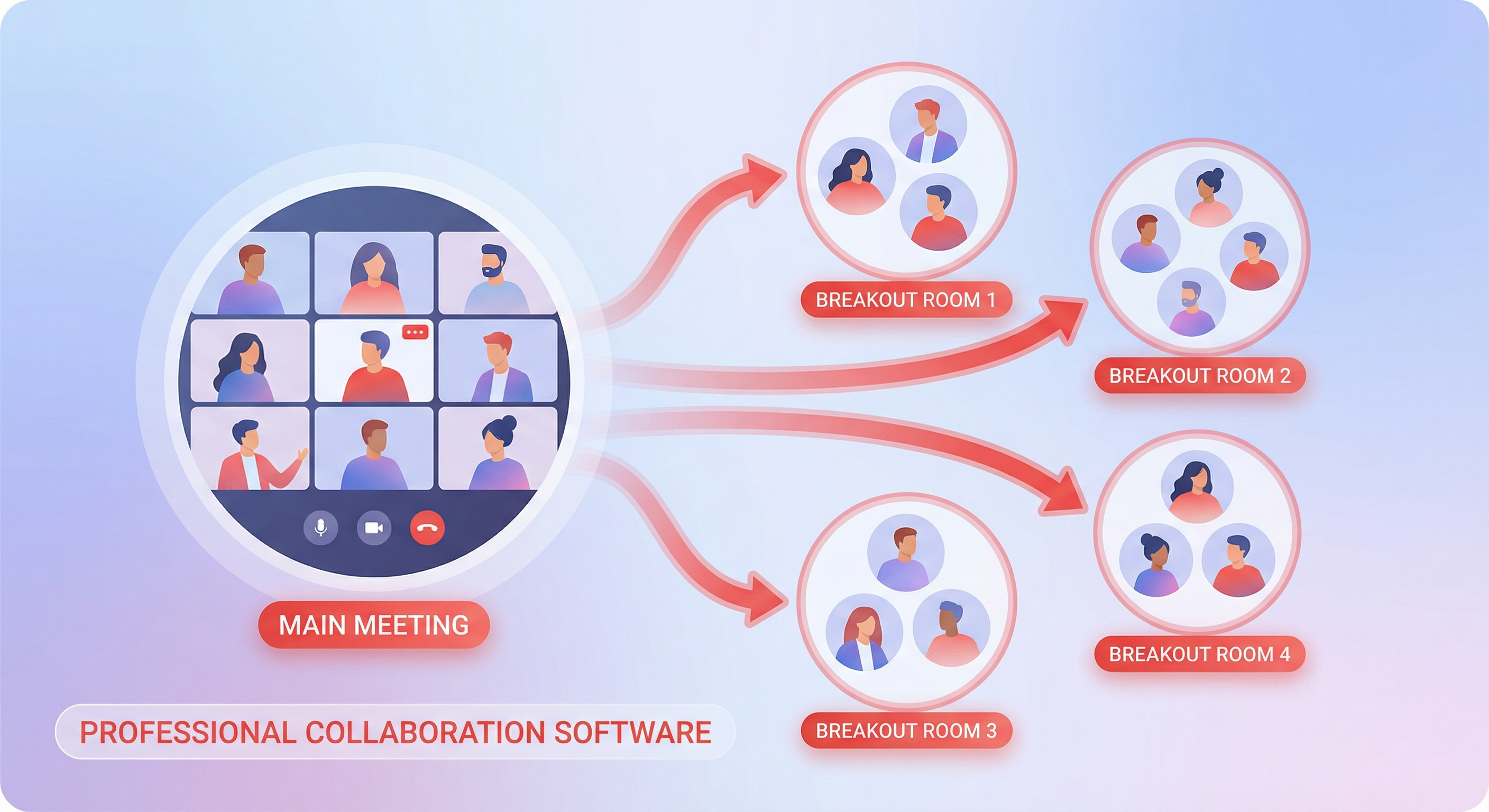
Split large meetings into smaller groups for lively discussions and brainstorming sessions.
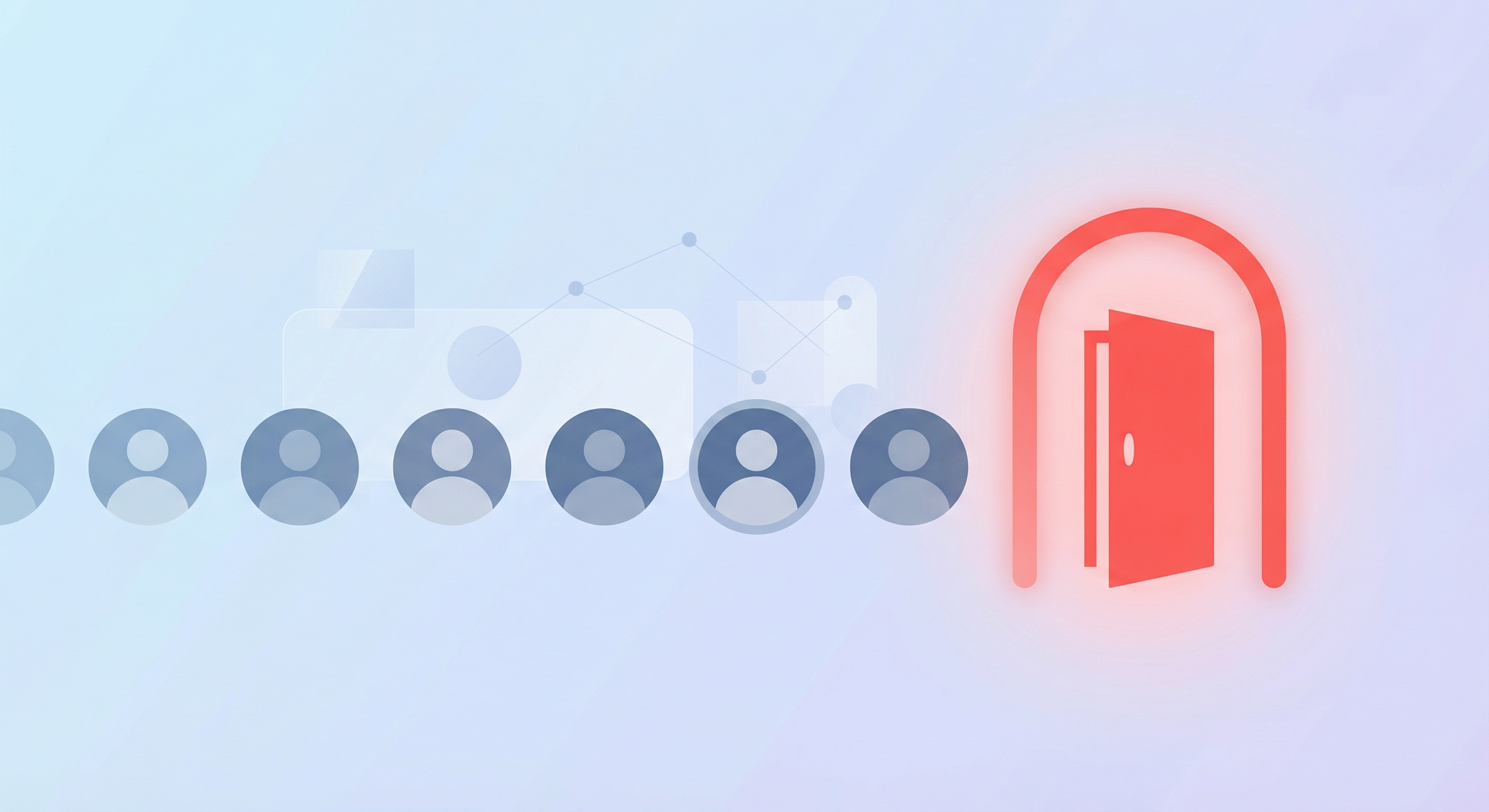
Let participants wait in the lobby and admit them selectively – ideal for protected meetings.
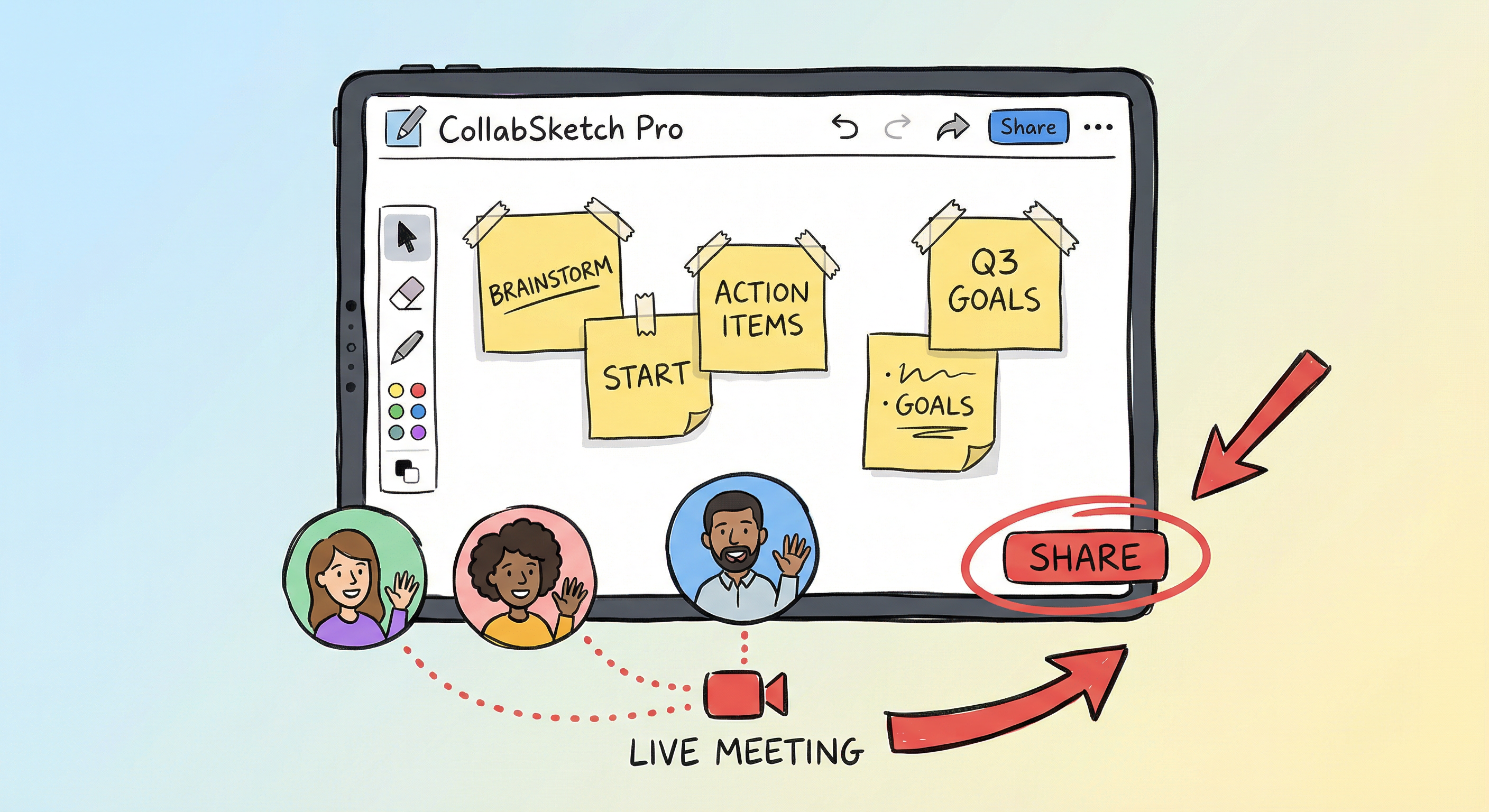
Excalidraw whiteboard for shared ideas, sketches, and planning in real time.
All the features you know from Teams – plus E2EE, web-first, and open technology.
| Feature | Description | |
|---|---|---|
| Screen sharing | Share content from your personal device – no cables or extra software required. | |
| Background blur and virtual backgrounds | Hide your surroundings or switch to a virtual background for more privacy. | |
| Breakout rooms | Small groups for lively conversation and brainstorming – moderators can assign and switch rooms. | |
| Waiting room / Lobby | Participants wait in the lobby until you admit them – for controlled meetings. | |
| Whiteboard | Brainstorm, plan, and share on a digital canvas in real time – with Excalidraw. | |
| Raise hand | Raise your hand virtually to contribute without interrupting the conversation. | |
| Reactions | Express yourself with emoji reactions – inclusive and engaging for all participants. | |
| In-meeting chat | Discuss presented content or ask questions to the presenter and other participants. | |
| Spotlight / Pin | Highlight a participant or content so everyone has the same focus. | |
| Live captions | Turn on live captions – also for participants with hearing impairments. | |
| Recording and transcription | Record meetings and share them securely across your organization. | Partial |
| E2EE for meetings | End-to-end encryption for meetings – your conversations stay protected. Teams offers this only partially. | Sparks Plus |
| Web without installation | Fully usable in browser – no mandatory app installation, even for guests. | Sparks Plus |
| Open protocol (WebRTC) | No proprietary dependency – self-hosting and EU data possible. | Sparks Plus |